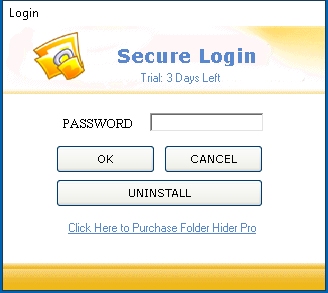
LOGIN SCREEN – Use this Screen to access Folder Hider. When in Hotkey Mode, this screen is accessed by pressing CONTROL and SHIFT and S. When in normal mode, access this screen in windows Start. This screen to uninstall Folder Hider Pro.
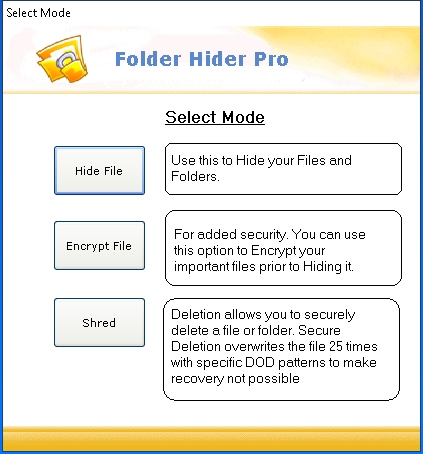
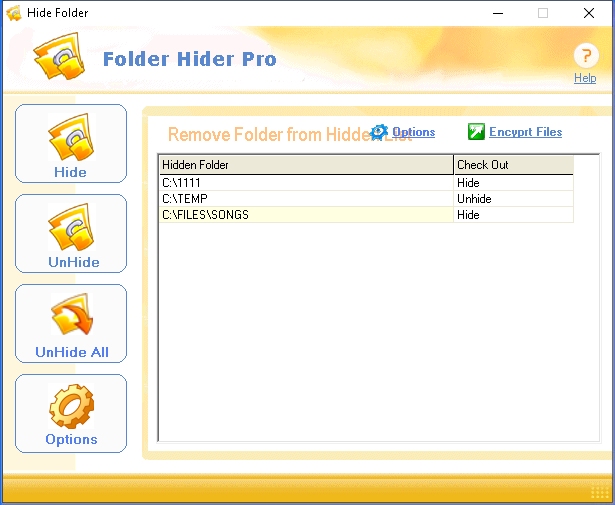
Folder Hider Pro – Main Screen
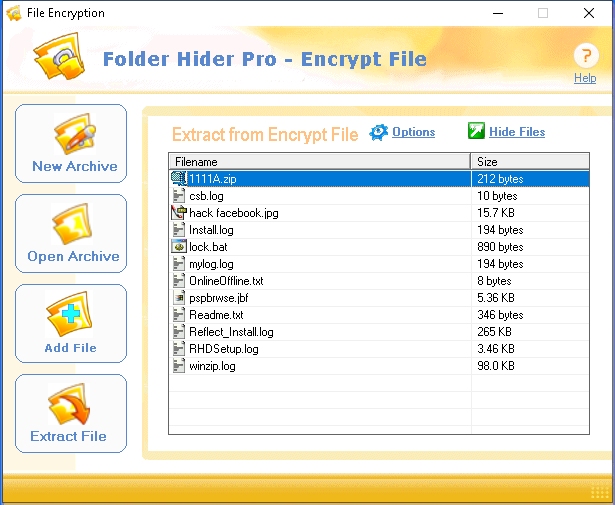
Encrypt Files using Folder Hider Pro
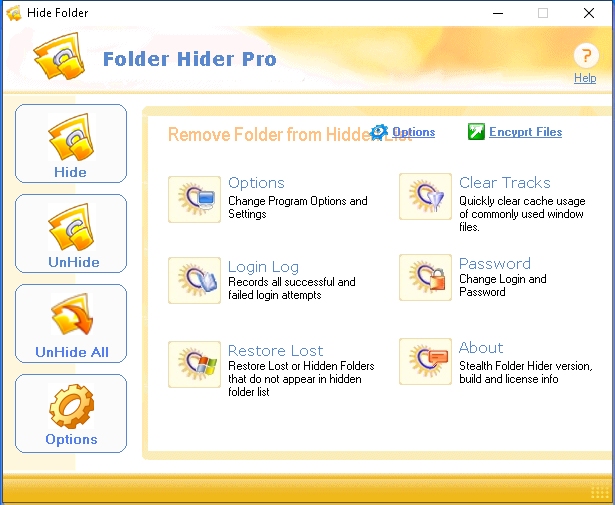
Tools / Options
Set Folder Hider Pro to automatically clear windows upon exiting Folder Hider.
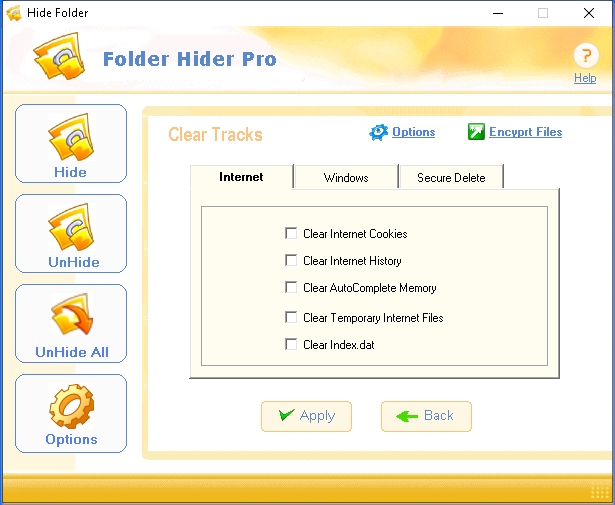
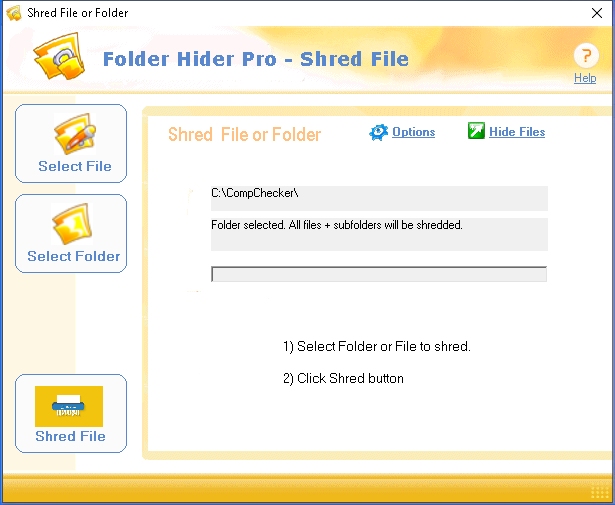
File and Folder Shredder